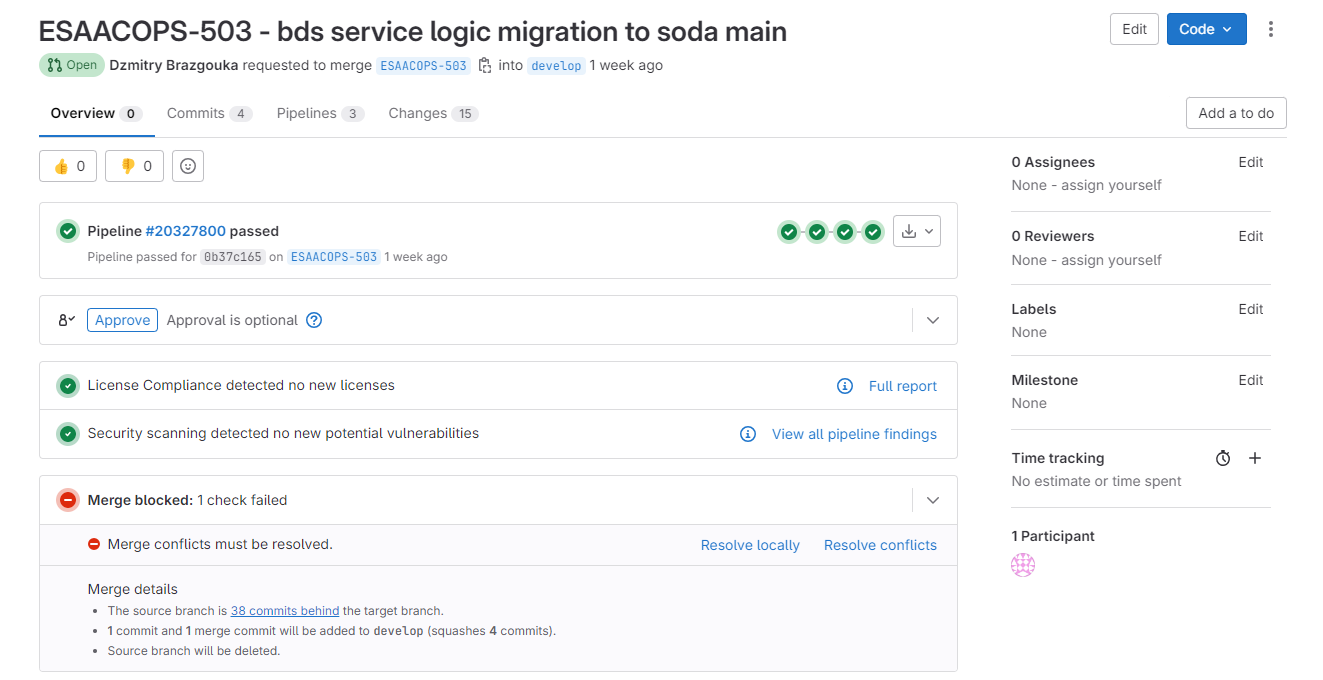
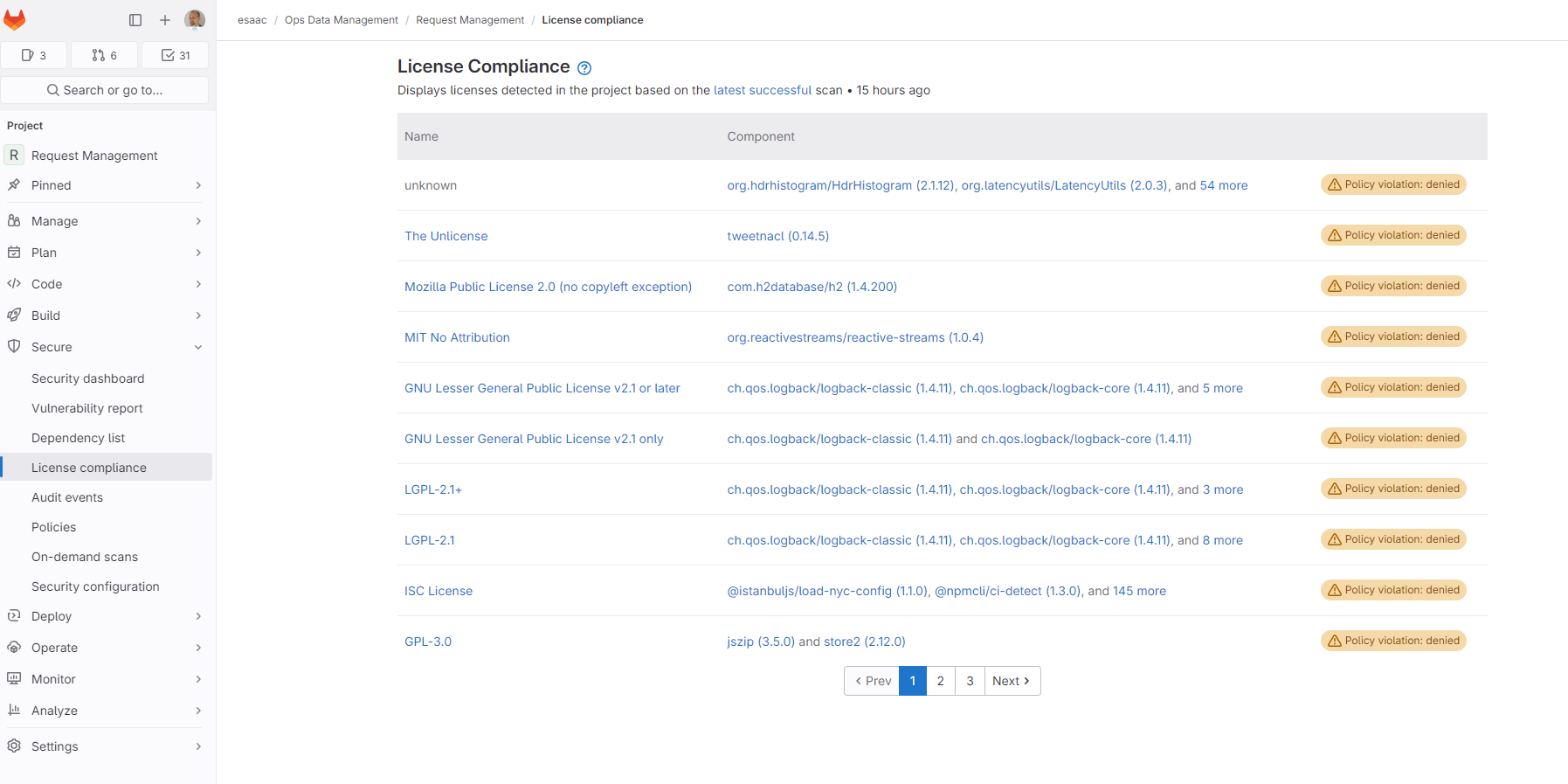
Open Source license compliance
Overall policy
The policy within Roche regarding the use of external open source code is outlined in four steps (https://opensource.roche.com/policies/using-external-open-source-code-within-roche):
-
Determine the License: Identify the license associated with the code, typically found in files like "license.txt" or "README.md" within the repository. If no license is provided, assume you don’t have the right to use the code.
-
“Can I use it for this purpose?”: Assess if your intended use aligns with the permissions granted by the license.
-
Identify Your Use Case and apply the License/Use Case Matrix: Determine your specific use case (e.g., internal R&D, distribution) and consult the provided matrix (see above link) to understand if the license allows for that use case. If the license isn’t listed, seek guidance from your legal contact.
-
Dependencies & SBOMs: Address dependencies by generating a Software Bill of Materials (SBOM) to ensure all licenses within the project’s dependencies are complied with. Roche’s Licensing process and tools, CAPT, are recommended for this purpose.
Release CS CoE code as open source
Open source release of CS CoE Code has a specific process described here (https://opensource.roche.com/policies/Genentech-Pharma-REDs/open-source-release-process)
Missing information
The current open source policy edited by the innersource and opensource teams is pretty new (2024), the matrix of licenses is not complete and in case you are missing a license that you are using you should get in contact with them so it could be checked with the legal team regarding this matter.
Implementing the SBOM and License checks
Gitlab comes with out of the box capailities to generate SBOMs with the underlying use of CycloneDX which is the recommended tool be the innersource team for such use cases.
Configuring dependency scanning
You can use the preconfigured merge request from gitlab, this can be found in Secure → Security Configuration → Depedency Scanning
Alternatively if this doesn’t work or your gitlab-ci is complex you can directly :
-
Make sure your .gitlab-ci.yml contains the
test -
Import the following job template into your file
include:
- template: Jobs/Dependency-Scanning.gitlab-ci.yml| The dependency scans which ran as part of your CI pipeline generates SBOM that can be consulted and downloaded from gitlab (Secure → Dependency List) |
Configuring license scanning
Based on the above generated SBOMs Gitlab can run a license compliance check. To do so you’ll need to create policies in Secure → Policies
Policies for license checks can be performed on merge requests, this can be done from the gitlab UI but here is a yaml to get you started faster. Please adapt this following example to your need, it contains the license which are so far identified as matching the roche policies. Please submit a MR for licenses that might be missing from this
name: License
description: ''
enabled: true
actions:
- type: require_approval
  approvals_required: 1
  role_approvers:
  - owner
rules:
- type: license_finding
  match_on_inclusion: false
  license_types:
  - MIT License
  - Apache License 2.0
  - Mozilla Public License 2.0
  - GNU Affero General Public License v3.0 only
  - Creative Commons Attribution Non Commercial 4.0 International
  - GNU General Public License v2.0 only
  - Creative Commons Attribution 4.0 International
  - GNU General Public License v3.0 only
  - BSD 2-Clause "Simplified" License
  - BSD 3-Clause "New" or "Revised" License
  - GNU Library General Public License v2 or later
  - Creative Commons Attribution Share Alike 4.0 International
  license_states:
  - newly_detected
  - detected
  branch_type: protected
approval_settings:
  block_branch_modification: true
  prevent_pushing_and_force_pushing: false